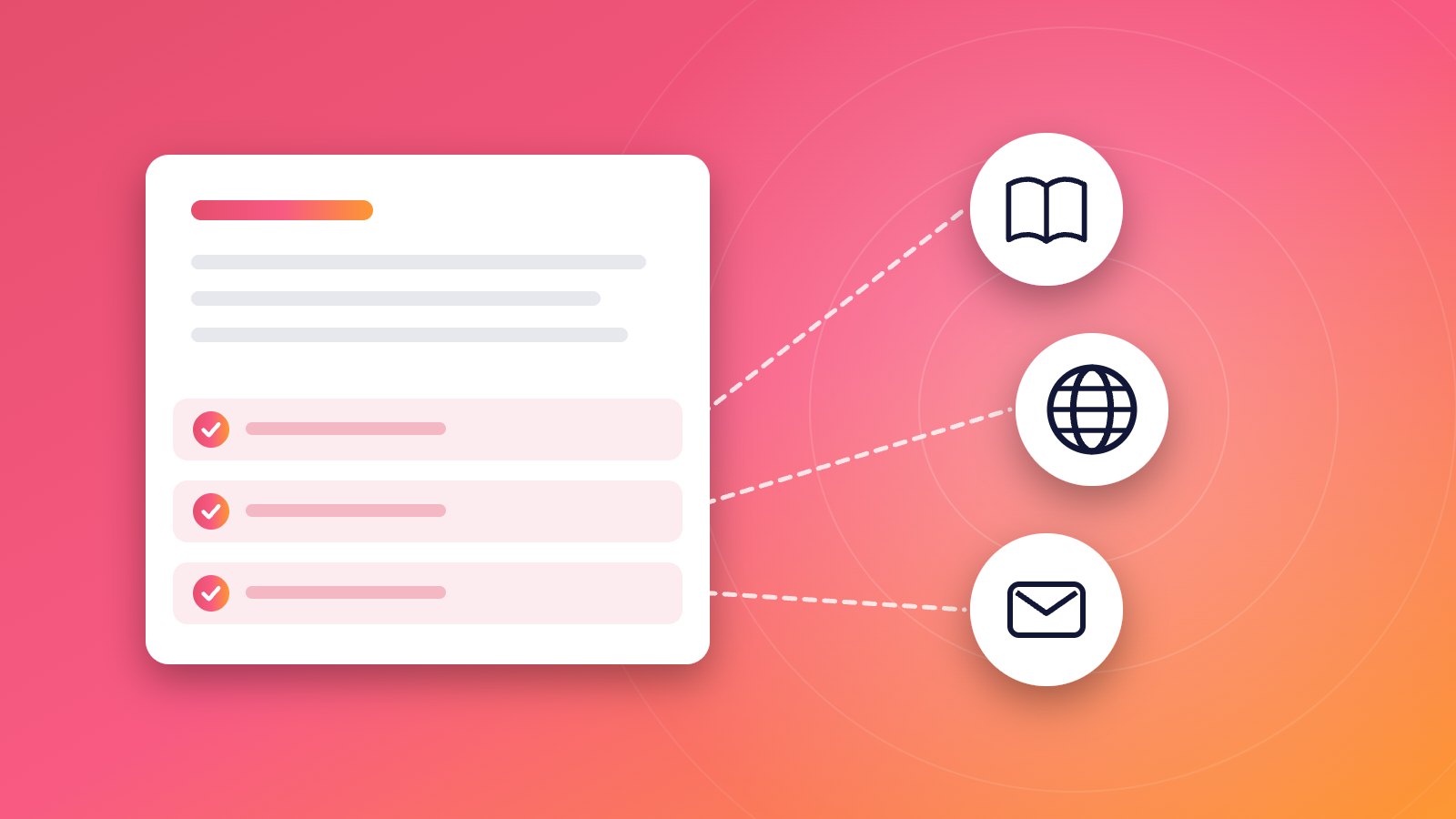
An AI-written reply should show which of your sources it relied on: the help articles, website pages and past emails behind the answer, named precisely enough that you can open them. A useful source list is short, specific to this reply, and makes it obvious when the key fact has no source at all. It is there for you, not the customer, and it turns checking a reply into a comparison instead of a search.
Why should an AI reply show its sources at all?
Because the text alone does not tell you whether it is right. AI-written replies read fluently whether the facts come from your returns policy or from a typical policy the model filled in. The only way to tell the two apart is to know where each fact came from.
A source list changes the check from “is this true?”, which needs your memory or a search, to “does this match the article it cites?”, which takes seconds. It is what a careful colleague does when they hand you a draft: “I took the refund rule from the returns article and the wording from your reply to Anna last month.”
What should a source list contain?
The same few things in every row:
| Element | Example | Why it matters |
|---|---|---|
| Kind of source | Help article, website page, past email, file | Tells you how authoritative it is |
| Name you recognise | “Changing an order after checkout” | You know at once whether it is the right one |
| Enough to find it | A title you can search, or a link | You can open it and compare |
| Date, where it matters | “your reply on 12 Aug” | Shows whether a past answer might be out of date |
| Only what was used | Two or three rows, not twenty | A long list hides the one source that matters |
A list of every document the tool could have read is not a source list. It should name what this reply actually relied on.
Which kinds of source deserve which kind of trust?
Not every source is equally reliable, and a good list lets you see the difference.
| Source | Usually reliable for | Watch out for |
|---|---|---|
| Help center article | Policies, steps, product details | Articles nobody has updated since a change |
| Website page | Prices, shipping, terms, opening hours | Old landing pages and campaign pages |
| Past email reply | How you phrase things; answers to rare questions | Answers that were right then and are wrong now |
| Uploaded file | Price lists, manuals, contracts | Last year’s version |
| Account or order data | This customer’s order, plan, invoice | Only if the tool really read this customer’s record |
A reply whose refund rule comes from a past email is weaker than one whose rule comes from the refund article. The past email might predate a policy change.
How do you read a source list in a few seconds?
- Find the main fact in the reply: the number, date or rule the customer will act on.
- Find the row that supports it. If there is none, that fact is unverified.
- Check it is the right source. The annual-plan article for an annual-plan question, not the monthly one.
- Open it if the fact commits you to money, a date or an exception, and compare.
- Skim the rest. Supporting rows for the greeting or general wording rarely need opening.
What does an empty or thin source list tell you?
It tells you the answer was written without your sources behind it, which is exactly when AI replies go wrong. Common reasons:
- The answer is not written down anywhere. Add it to your help center or facts page, so the next reply has a source.
- The tool could not reach the source. A help center that is not connected, or a page it cannot read.
- The question is unusual. Rare questions are often not covered, and a draft for one deserves a full check or a holding reply.
A thin source list is still useful: it shows you where your written knowledge has gaps, one email at a time.
Should the customer see the sources?
Usually not. The source list is a working note for the person sending the reply. Customers want the answer, and a list of internal documents and past emails would confuse them or reveal things they should not see, such as a reply to another customer. When a public help article is the answer, link it in the reply itself as a courtesy to the customer.
What should you ask any tool about its sources?
Five questions to put to any AI tool that writes replies for you:
- Does every reply show what it relied on, or only some?
- Are the sources specific to this reply, or a general list of what it can read?
- Can I open each source from the reply?
- Does it show when nothing supports the answer?
- Is the source list kept away from the customer?
A tool that cannot answer the first two clearly leaves the checking entirely to your memory.
How does ReplyPen’s Check note work?
Every ReplyPen Draft comes with a Check note: a short list of the help articles, website pages and past emails the Draft relied on, for example “Help article: Changing an order after checkout”, “Website: Shipping and returns page”, “Past email: your reply to a similar question on 12 Aug”. The Check note is for you and is never sent to your customer. When the sources do not cover a question, you see that before you send, and when you correct the Draft, ReplyPen records the change in its Knowledge log for next time.
For how the source list fits into a full checking routine, read How to check an AI-written answer before you send it. For why this matters more than a vendor’s resolution rate, see Why AI resolution-rate claims mislead small businesses.