
Blog
Guides to answering customer email
Practical guides for small businesses on answering customer email: faster replies, reusable answers, and response times you can keep.
How to answer customer email faster without lowering quality
Where the time on customer email really goes, and a one-week routine to reply faster while every answer stays correct, complete and in your own voice.
Built-in AI in Gmail and Outlook
-
Is the free AI in Gmail and Outlook enough for customer email?
What the AI built into Gmail and Outlook does for customer email today, when it is enough for a small business, the signs you have outgrown it, and how to get the most from it.
-
Why you keep fixing the same mistake in AI email drafts
Why editing an AI draft rarely teaches the tool, where a correction has to live to stick (source, instruction, saved answer, tool memory), and how to test whether a tool really learns.
-
What Gmail's built-in AI knows about your business (and what it doesn't)
What Gemini in Gmail draws on when it writes a reply (your prompt, the thread, your other emails and Drive files), what it does not see, and how to give it the facts it needs.
Pricing
-

How much does AI for customer email cost?
The ways AI tools for customer email charge (included, per user, per email, per resolution), how to work out the monthly cost for your own inbox, and the costs pricing pages leave out.
-

What AI drafting costs at 200, 1,000 or 3,000 emails a month
Worked monthly costs for AI drafting of customer email at 200, 1,000 and 3,000 emails a month, per conversation and per seat, plus how to count your own volume first.
-
Per conversation, per seat or per resolution: which AI pricing fits a small inbox?
How per-seat, per-conversation and per-resolution pricing for AI customer email compare, the break-even point between them, and which fits a small team's inbox.
-
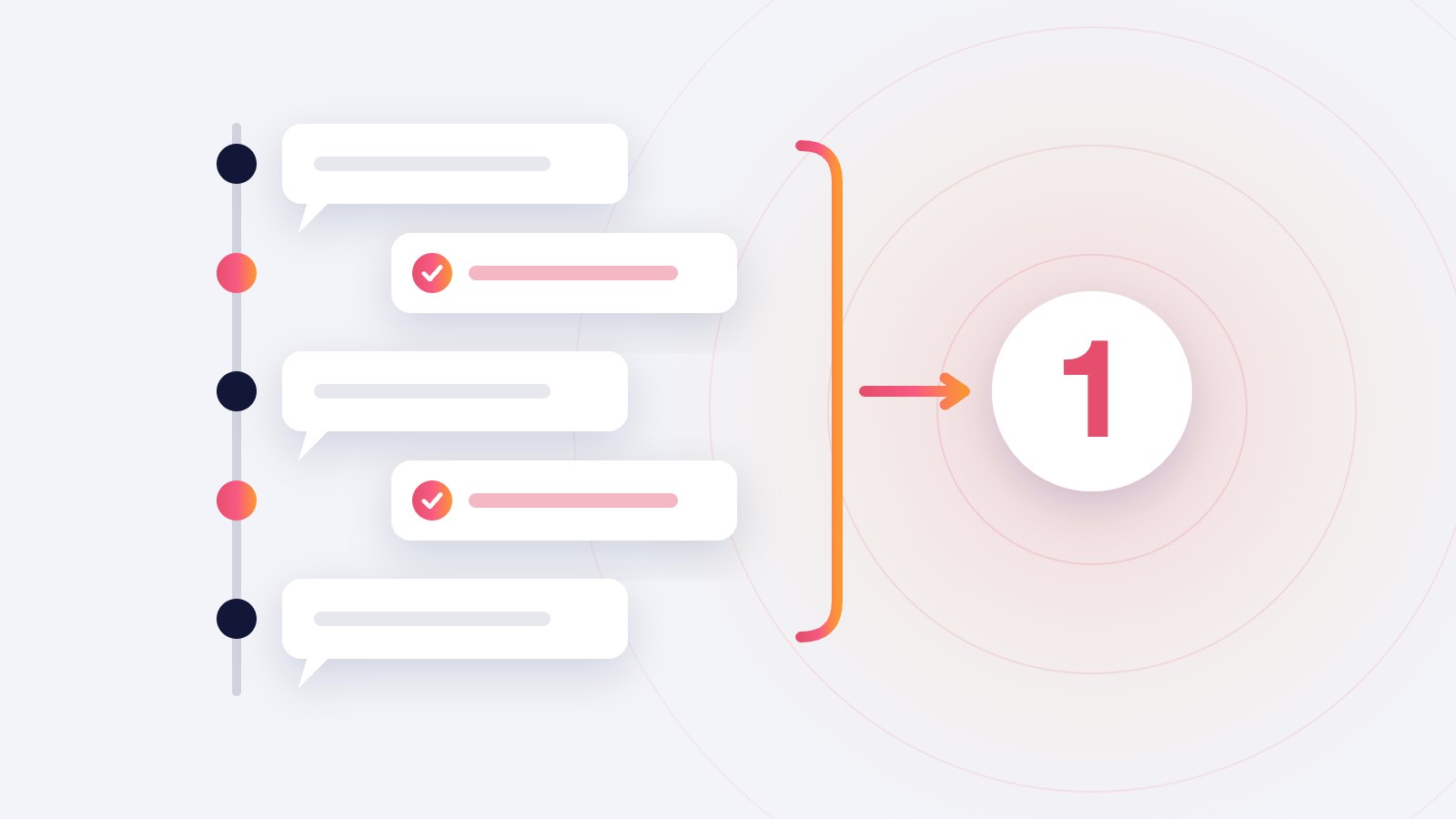
What counts as a conversation in AI support pricing?
Vendors count a billable conversation differently: per thread, per customer email, per resolution. How the rules differ, how they change your bill, and what to ask before you sign up.
Checking AI answers
-
How to check an AI-written answer before you send it
A two-minute routine for checking AI-drafted customer email: what to read first, which facts to verify, the warning signs of a guessed answer, and when not to send at all.
-

The "sent unchanged" rate: an honest measure of AI reply quality
How to measure whether AI-drafted customer replies are good enough: count the drafts you send without edits, read why you edit the rest, and know when the number misleads.
-
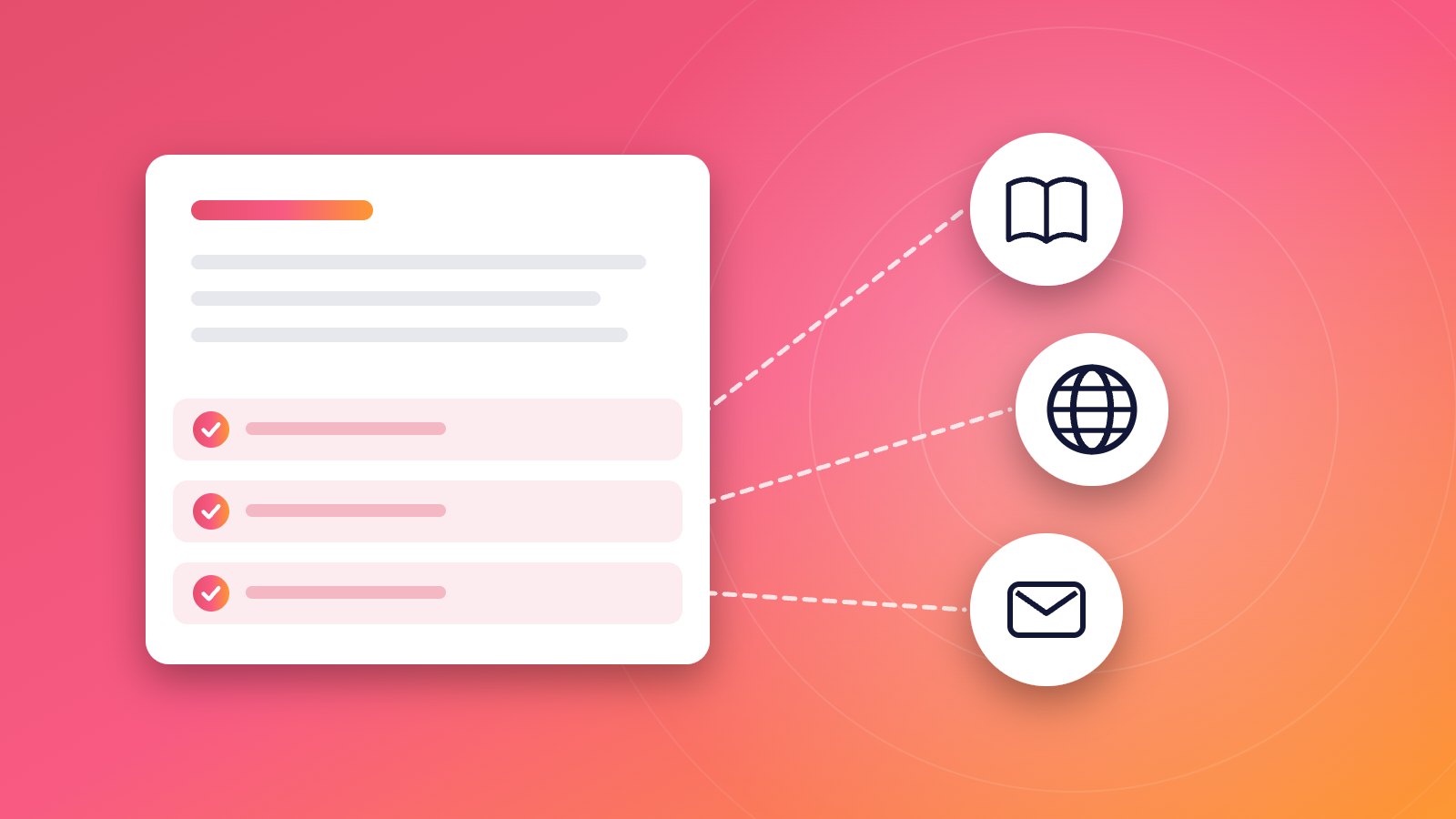
What an AI reply should show about its sources
What a useful source list under an AI-written reply contains, how to read one in seconds, what an empty or wrong source list tells you, and questions to ask any tool about it.
-

Why AI resolution-rate claims mislead small businesses
What an AI support resolution rate actually counts, why a customer who gives up can count as resolved, and the numbers a small business should track instead.
Answering customer email
-
How to keep several people's replies sounding like one business
A one-page voice guide, shared answers and a short weekly review: how a small team keeps customer email replies consistent without making everyone sound robotic.
-
What response time should a small team aim for on customer email?
What first-reply time a small business can promise and keep, which emails should jump the queue, and how to measure response time without a helpdesk.
-
How to handle the same customer question for the hundredth time
Find the questions customers ask again and again, write one reusable answer for each, keep it current, and fix the page or email that makes them ask.
-
How to answer customer email in a language you don't write well
When to reply in the customer's language, how to write replies that translate cleanly, what to check after translating, and what to say when you reply in another language.
-
Reply templates that don't sound canned
Write customer email templates that read like a person wrote them: what to keep fixed, what to write fresh, phrases to drop, and templates in Gmail and Outlook.
-
How to say no to a customer by email without losing them
How to refuse a customer request by email: put the no first, give one honest reason, offer what you can do, and avoid the phrases that turn a refusal into a complaint.
-
How to run support@ from Gmail
Three ways a small team can run a support@ address in Gmail (group, shared mailbox, alias), which one fits two to five people, and how to avoid double replies.
AI drafting
-
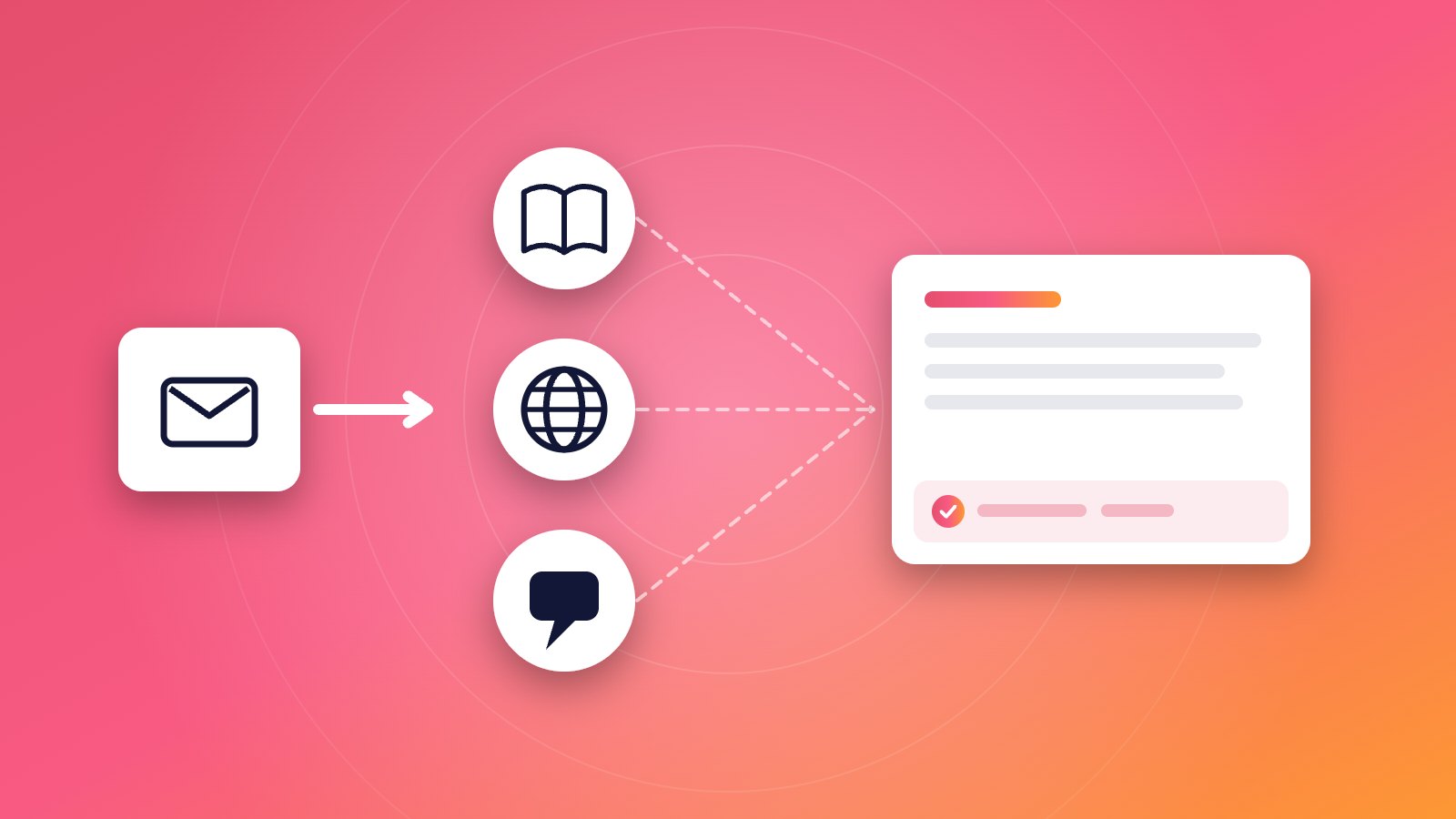
What is an AI email reply tool and how does one work?
How AI email reply tools read an email, gather context, write a draft and learn from you, the kinds that exist, what goes wrong, and how to test one on your own inbox.
-

Draft or auto-send: when should AI send customer email itself?
When AI-written customer email is safe to send without a person, which emails should always stay with you, and how to run a small auto-send pilot you can stop at any time.
-
What "learns your tone" actually means in an AI email tool
How AI email tools learn to write like you, what they can and cannot pick up from your sent mail, how to test the result, and how to correct it when a draft sounds off.
-
Why AI answers sound right and still get the facts wrong
Why AI-written customer email can be fluent and still wrong, the mistakes that show up most, how grounding reduces them, and which facts to check before you press send.
Draft your first reply in your own inbox.
Connect your inbox, point ReplyPen at your help center, and read the first Draft with its Check note.
We're opening to new teams soon. We'll email you when your spot is ready.