
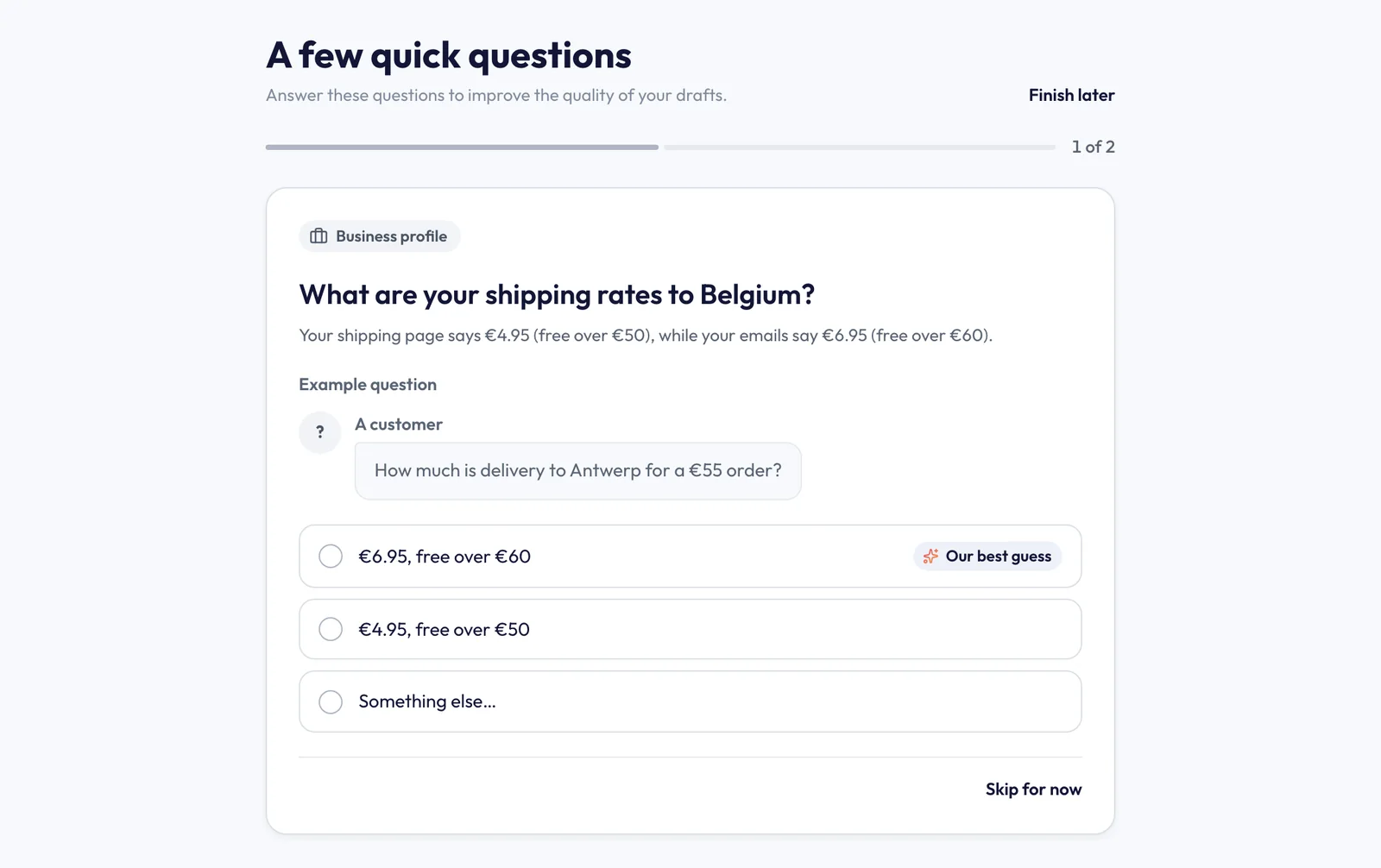
A Learning question, with the customer email that raised it.
Answer a question
- Open Learning in the app. The number next to it shows how many questions are open.
- Read the question. When it helps, the card shows an example question from a customer.
- Pick an answer. The one marked Our best guess is what ReplyPen would assume, but nothing is picked for you.
- None fits? Pick Something else…, write the answer in your own words and click Save answer. ReplyPen may ask a short follow-up in a chat; click Finish in chat.
Skip for now moves to the next question; Previous goes back. Finish later keeps the open questions for next time.
Where do my answers go?
Into Memory: a fact goes to your Business profile, a writing habit to your Tone profile. Values that came from Learning carry a From Learning mark there. Change them any time; see correct what ReplyPen knows.
When do new questions come?
Up to five right after setup. When there is nothing to answer, Learning says “No new questions right now.” and ReplyPen keeps drafting in your inbox.